exploration
Building This Site
Four rebuilds of this portfolio, each one closer to the original idea: no buttons, no conventional navigation, every transition through scroll. A look at what changed with each version, why, and where AI fit into the process.
tech
React · Astro · Tailwind CSS · Framer Motion
year
2026
tags
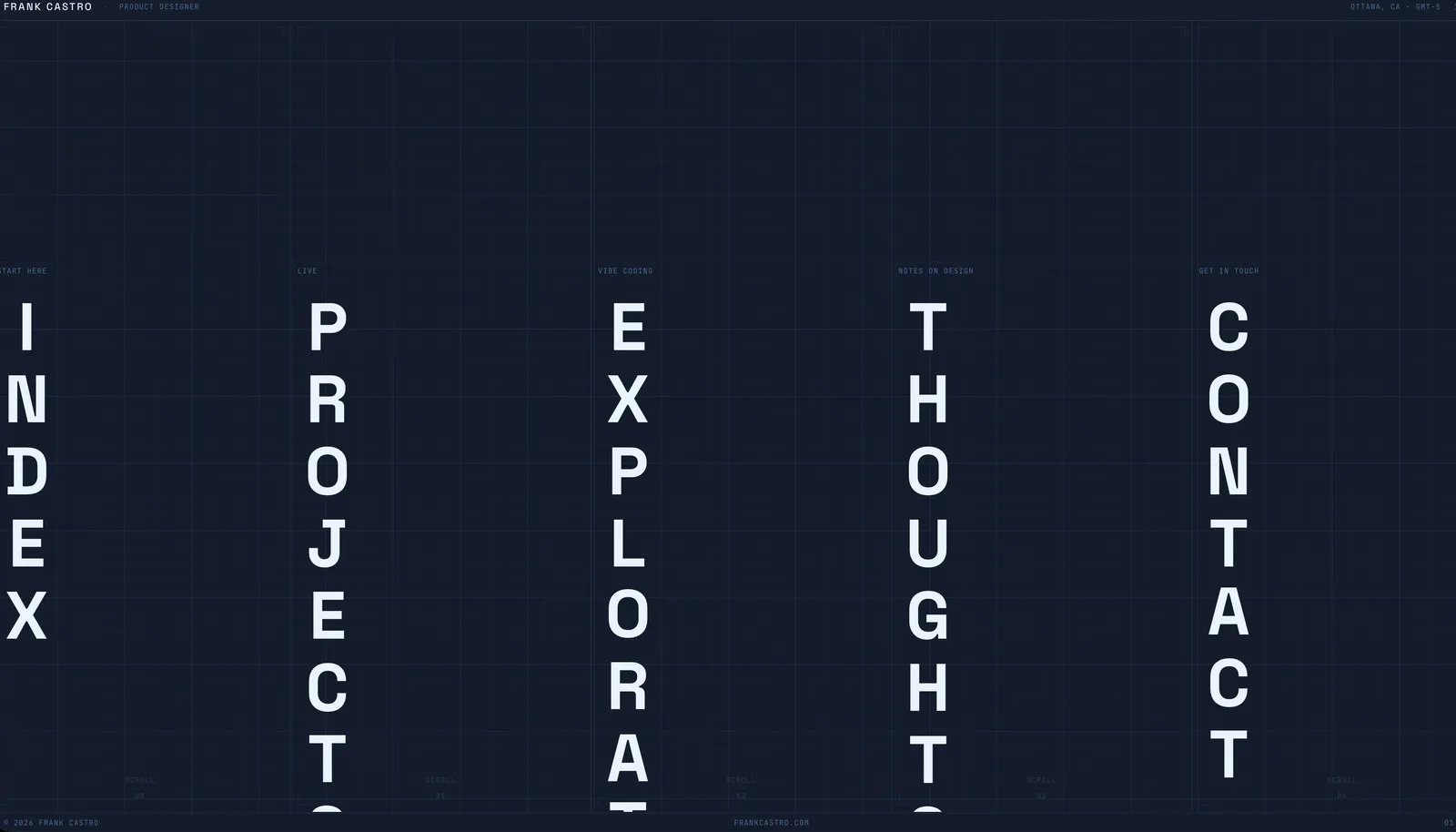
When I started this portfolio, I wanted it to feel different from most websites. No buttons. No conventional menu bar. Every transition happens through scrolling, on desktop and on mobile, so moving through the site feels closer to flipping through a physical object than clicking through screens. I picked a blueprint aesthetic, thin lines, small mono type, structural color, because it matched how I actually think about building things. And I wanted to use AI the way you’d use a blank canvas, not to generate a template, but to explore an idea I couldn’t fully picture until I started building it.
The first version, shown above, was a single page React app. One page, five columns, Index, Projects, Explorations, Thoughts, Contact, and every one of them expanded, collapsed, and transitioned entirely through scroll. No page loads, no routing, just one continuous surface.
Opening a column blurred and dimmed the rest, so attention stayed on whatever you were exploring.
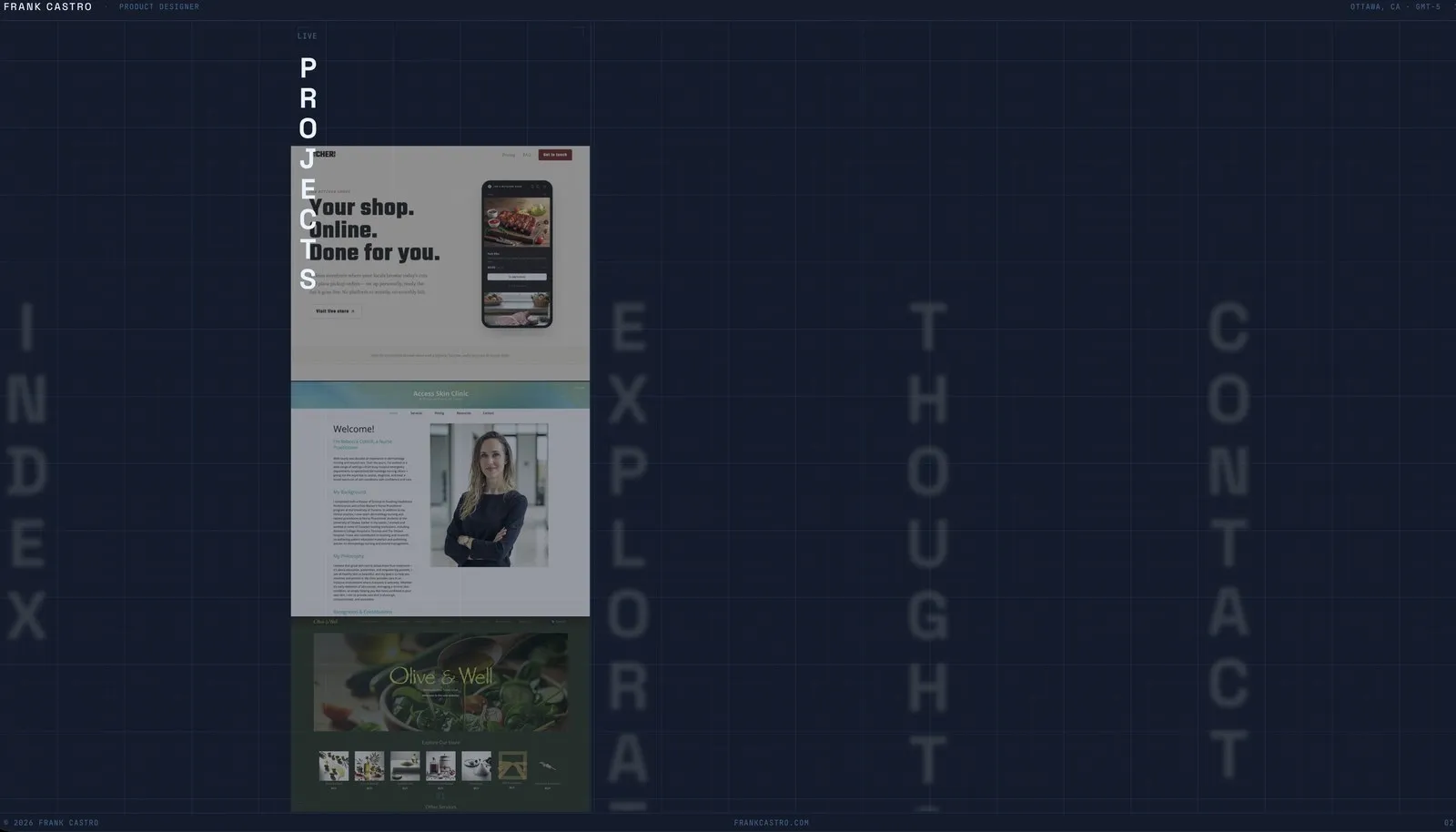
Opening a column blurred everything else, the same focus effect the current columns layout still uses.
It captured the idea I had going in, and it looked and felt exactly like what I wanted. But it had a real problem: none of it existed as far as a crawler or an analytics tool was concerned. Everything lived inside one JavaScript app, so search engines saw an empty shell, and I had no way to tell which project or article anyone was actually looking at.
So the second version broke it apart. Every project and article became its own real page with its own URL, so it could be crawled, indexed, and measured properly. I moved to Astro for this, which let me keep the interactive parts as small React islands while everything else rendered as plain, readable HTML.
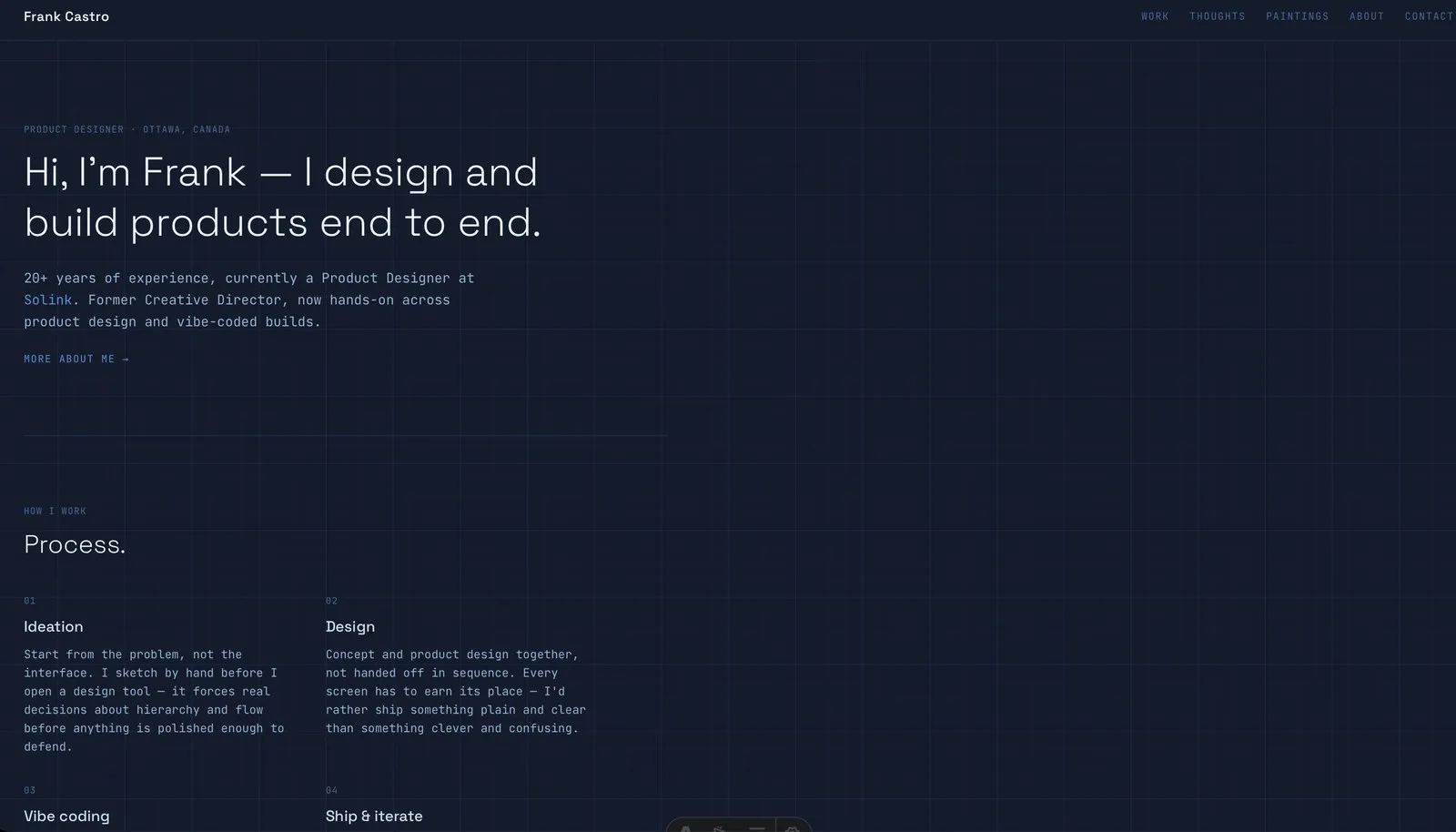
The first pass at readability. Real pages, but a conventional feed and a normal top nav, a big step away from the original intent.
That version was crawlable, but it didn’t feel like the site I’d set out to build anymore, so I brought the columns back on top of it, now backed by real pages instead of in-page overlays.
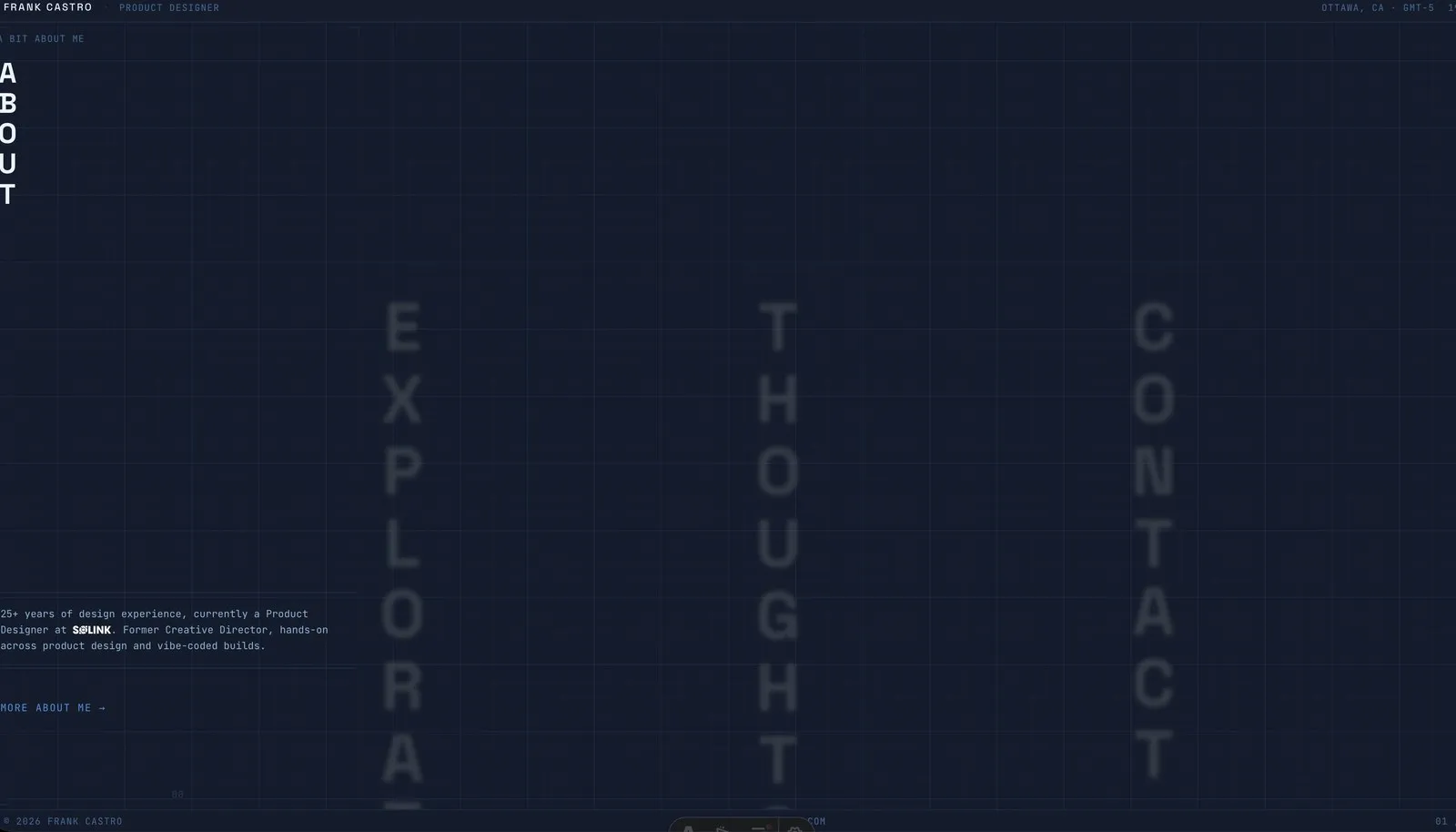
Columns UI restored, this time backed by real pages instead of a single-page app.
This is also where I ran into one of the more honest bugs of the whole process. For a while, the About teaser on the landing page and the actual About page were pulling from two different, slightly out of sync pieces of text. Nothing broke, it just quietly drifted, which is the kind of thing vibe coding produces if you’re not paying close attention. It’s fixed now, but I’m keeping the story in, because it’s a fair description of what building this way actually looks like.
Clicking into a project now took you to an actual page instead of an overlay, with its own URL a search engine or an analytics tool could see.
A real project page, reachable directly, not just an in-app overlay.
The third version rebuilt the columns as horizontal rows, rotated ninety degrees, each with its own font, and went back to some of the design principles I’d let go of in the second version. The top navigation was still there, technically, just hidden from view, search engines and screen readers could still reach it, but the only visible way to move around was scrolling a row until it handed you off to the page, or a back arrow in the corner to step back one page at a time. No nav bar, no buttons, just structure and scroll.
It didn’t land the way I wanted. The dark, structural palette I’d been carrying since the first version read as heavier than the work itself, and rows never felt as natural to scroll as columns had. So the fourth version, the one you’re looking at right now, walked both of those back. The palette is near-white and near-black now, no accent color anywhere, nothing standing between the work and the page. And the columns came back, vertical again, one title each, side by side. Scrolling one lifts its title and blurs the others, the same focus idea from the very first version, just tuned to feel direct instead of decorative, and the scroll distance itself is tuned differently for touch than for a trackpad, since a thumb on a phone and a scroll wheel on a desktop cover ground very differently.
Working this way also changed how I think about what a website even is. I could reasonably rebuild this whole portfolio again next week if I wanted to. Not because I plan to, but because I could, and so could you. That’s the part I want more people to notice: you don’t need to route your ideas through a handful of closed platforms to put them in front of people. You can build the thing itself. I go deeper into that idea in a piece in Thoughts, on how I think people can actually change the shape of the web we have today, but it’s worth saying plainly here too.
None of these four versions were wrong. Each one taught me something the last one couldn’t, and the site you’re looking at right now is still just the current answer, not the final one.